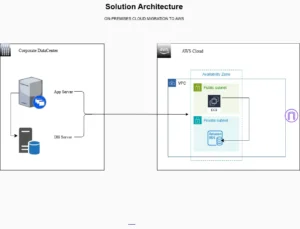
Securely migrating user identities is a critical part of any cloud transformation as organizations scale their workloads to the cloud. The process of provisioning users, applying permissions, and enforcing security controls must be both efficient and reliable. This article explores how to implement Automated User Migration of AWS IAM resources using best-practice approaches that reduce operational overhead while improving overall cloud security.
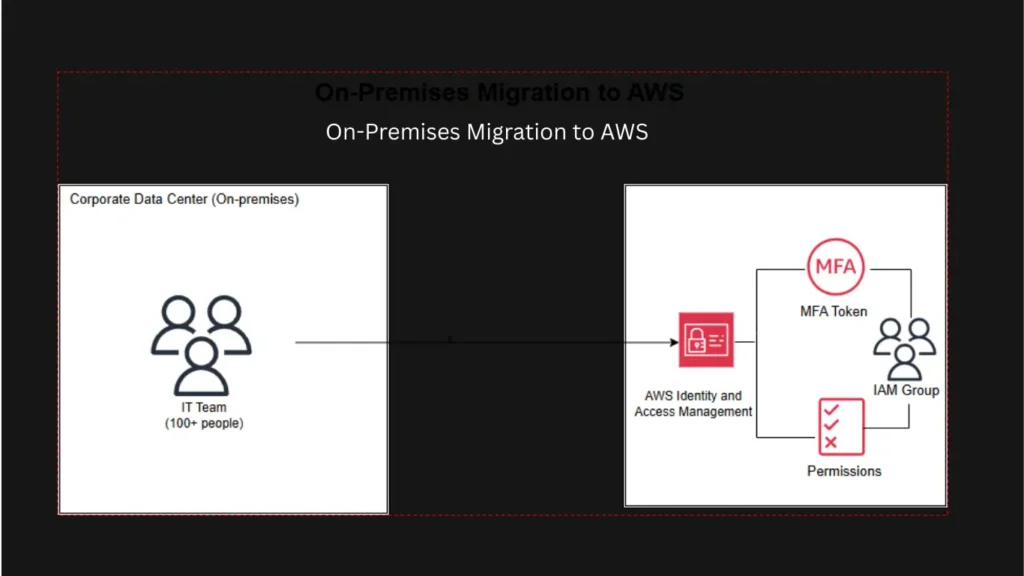
In this scenario, an IT organization with over 100 team members needed to transition from on-premises identity management to AWS Identity and Access Management (IAM). Manually creating users, configuring permissions, and enabling Multi-Factor Authentication (MFA) for each identity would be time-consuming and error-prone. Automation was the only scalable solution.
Why Automate IAM User Migration?
Automation brings significant benefits to identity management in the cloud:
- Consistency in user creation and permissions assignment
- Speed when migrating large groups of identities
- Security through enforced rules and standardized access controls
- Auditability by logging and validating actions through CLI-based workflows
- Reduced human error versus manual console operations
Aligns automation with AWS security best practices to improve resilience and compliance from the very start of cloud adoption.
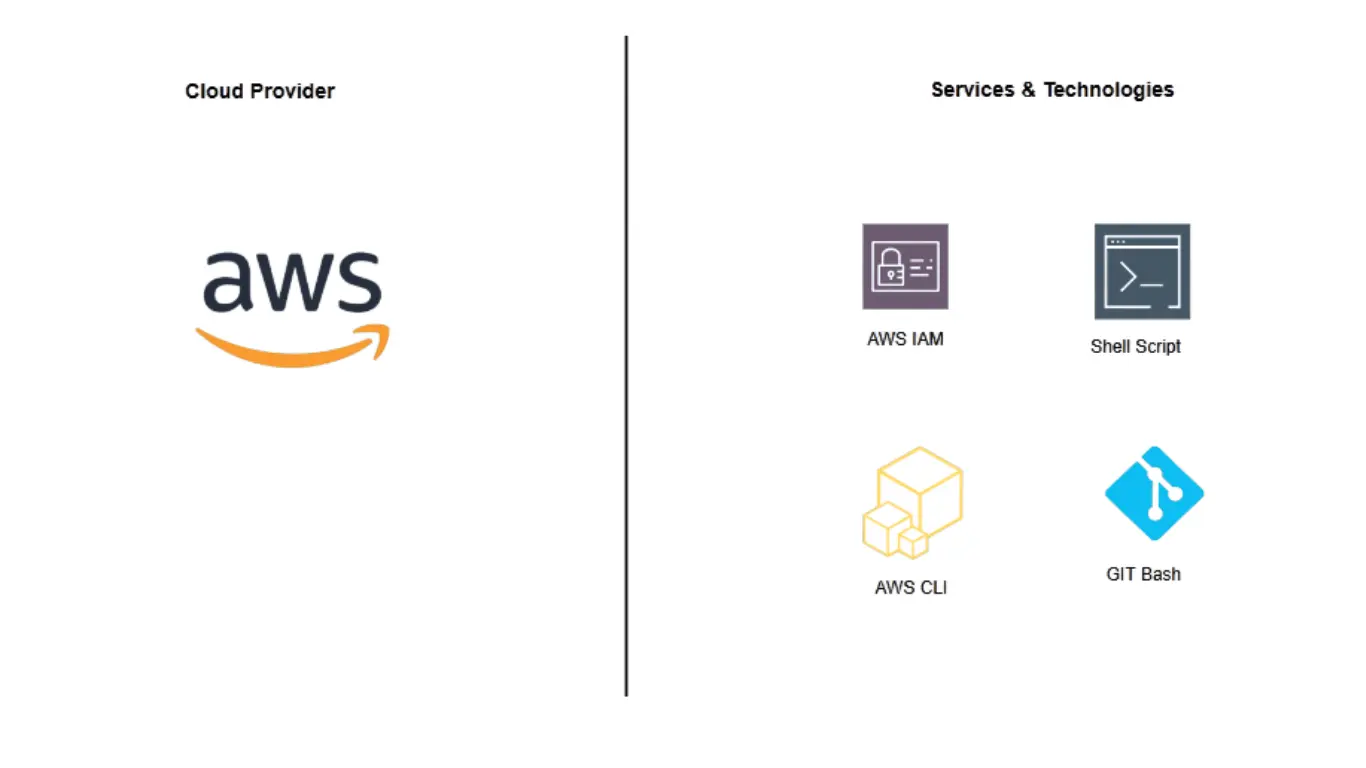
Used Tools for Automated AWS IAM Migration and Management
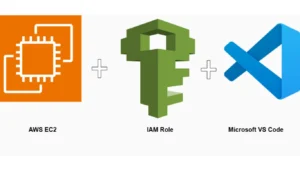
The goal was to design and implement a fully automated migration process. Using the AWS Command Line Interface (CLI), Git Bash, and shell scripting, users were seamlessly provisioned into AWS IAM with the correct roles and policies aligned to their job functions. Each new identity was also required to have MFA enforced to strengthen authentication and reduce the risk of unauthorized access.
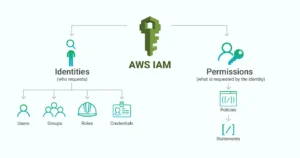
The Architecture of AWS IAM Resources
IAM identities used in automated migrations include:
- Bulk creation of IAM users with standardized naming conventions
- Automatic assignment to the correct IAM groups based on roles
- Secure generation and distribution of login credentials
- Mandatory MFA enrollment to enhance account protection
- Logging and validation of each migration action for auditing purposes
- Execute the automation script
Security Best Practices Implemented
Ensuring strong security is the primary objective of reducing exposure to threats. Key measures included
- Least-privilege access policies for all accounts
- No access keys for unnecessary users
- Mandatory MFA for all identities
- Limited usage of the root account
- CloudTrail monitoring to audit activity through CLI scripts
Conclusion
Automating the user migration of AWS IAM resources saves time and enhances the security posture across cloud environments. As more organizations adopt AWS, identity governance must evolve to support both speed and security without slowing down transformation efforts. Leveraging the AWS CLI, structured IAM roles and groups, and automatically enforcing MFA. Cloud operations become more secure, more efficient, and more resilient. For IT teams seeking to strengthen cloud identity security while eliminating repetitive manual work, scalable IAM automation is a must.